The Frog
The character on this site's homepage follows your cursor with its eyes, blinks on a random schedule, and eats the fly that stands in for your pointer. It is one JavaScript file with no framework and no libraries.
The goal
I wanted the first five seconds of my portfolio to show that I make things move, and I wanted the site itself to do it. The frog had to feel like a character, load fast, work on a phone, and stay out of the way of navigation.
How it is built
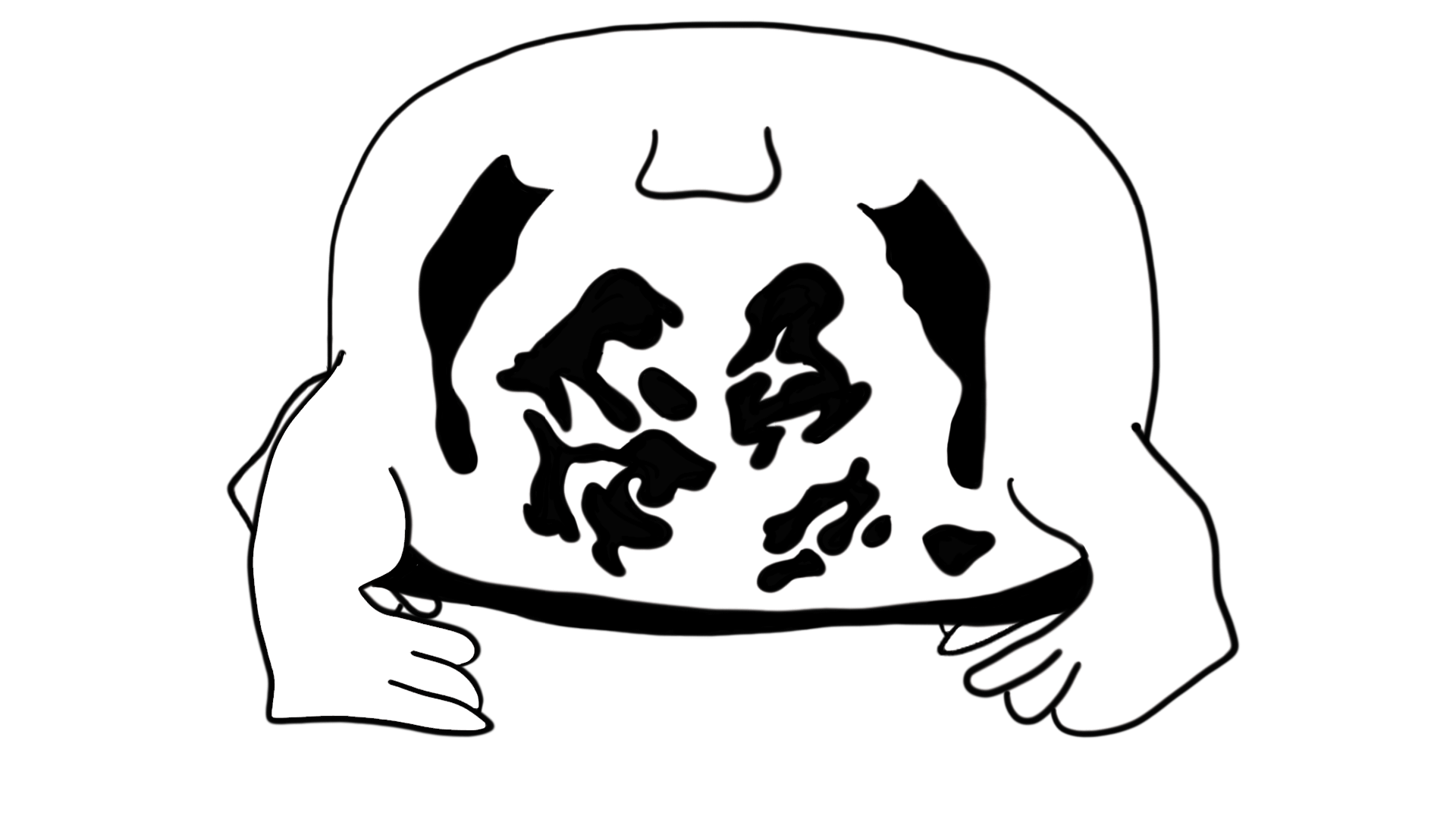
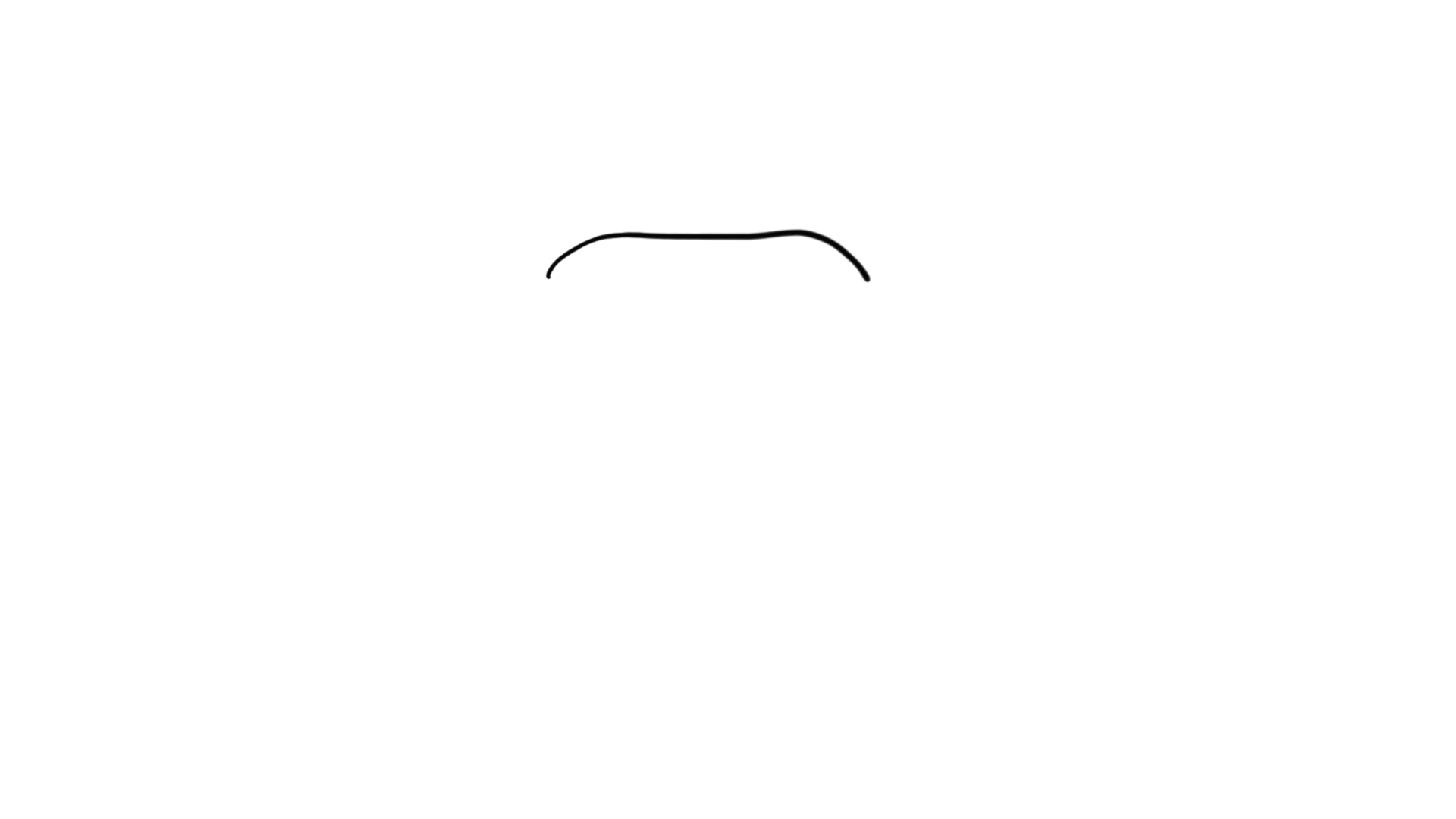
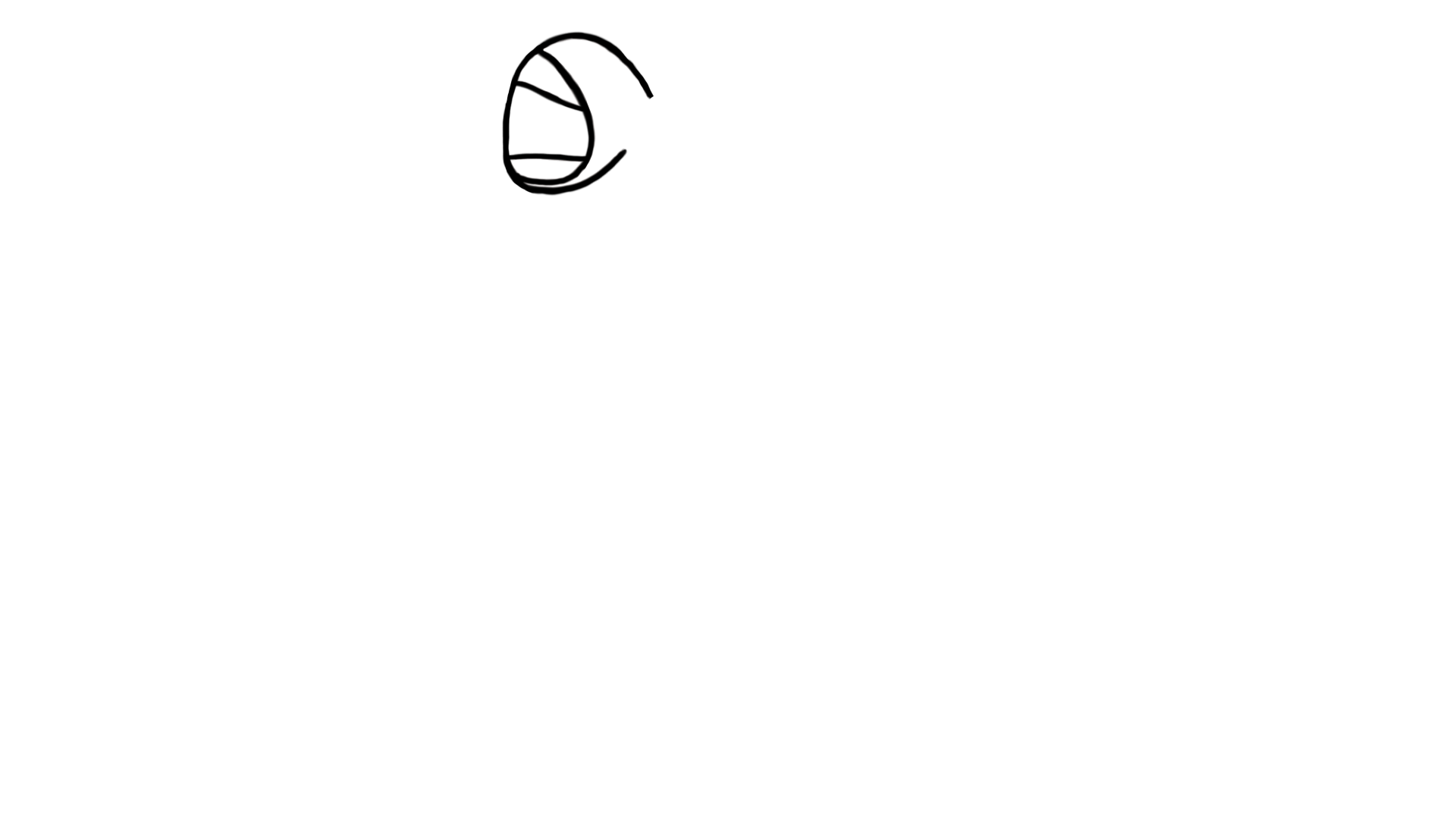
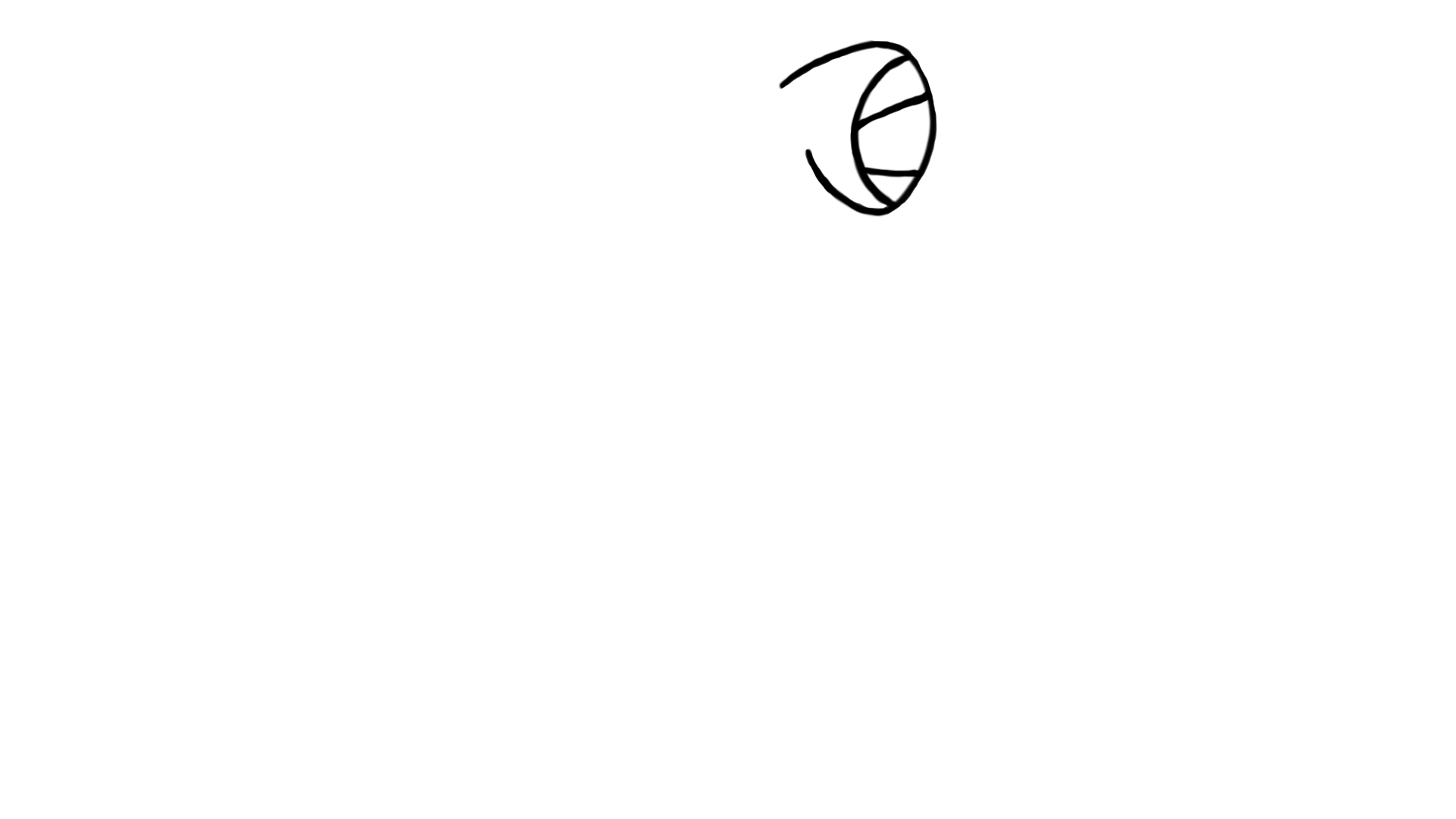
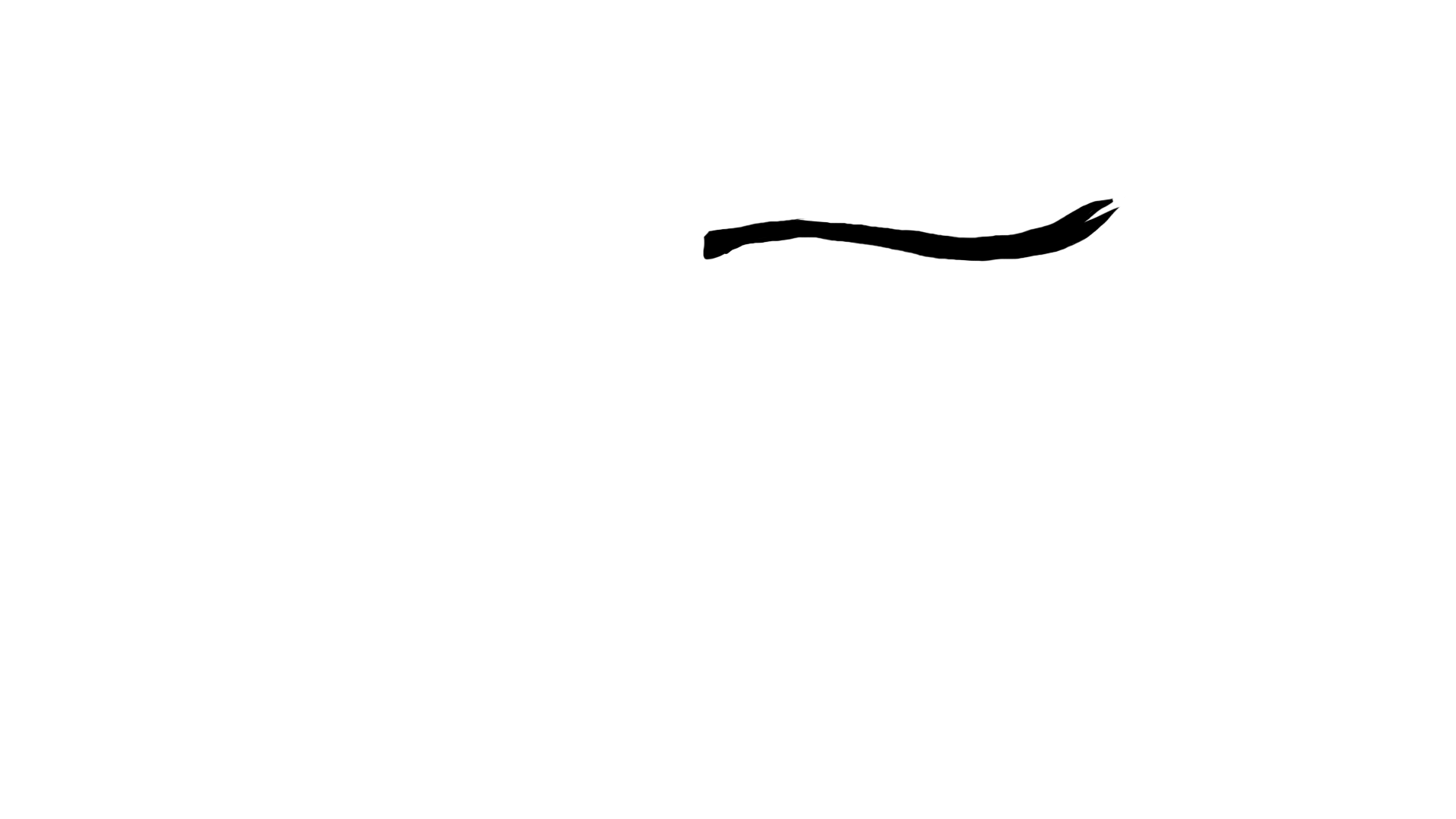
I drew the frog in Photoshop as separate 1920 by 1080 transparent layers: body, mouth in four stages, left and right eyeballs, eyelids in three states, and two tongue frames. They stack in one container, so a body part moves by swapping an image or changing a transform, with no redraw of the whole figure. The art is black on transparent and one CSS filter, invert(1), turns it white on the dark background.
The static parts (body, legs, nose) are baked into one layer, so only the pieces that actually animate are separate elements.
Four behaviors
Eye tracking. The code normalizes the pointer position across the viewport and maps it to a small offset, so the eyeballs shift inside their sockets. Touch and mouse devices get different ranges and resting positions, because the frog sits differently on a phone.
Blinking. Both eyelids cycle through half closed, closed, half closed, and open, then the code picks the next blink at a random interval between two and six seconds. The first blink fires about a second and a half after load, so visitors see the frog is alive.
The fly. On desktop the fly is the cursor. After the frog eats it, a new one enters from a random screen edge and wanders on its own by easing toward random targets, until the mouse moves and takes it back. On touch screens there is no cursor, so the fly always wanders and a tap triggers the catch.
The tongue. The tongue was the hardest part, and it comes down to geometry. The mouth is a known point in the original artwork. The code converts it into screen coordinates for any viewport, accounting for letterboxing and the container's scale. It rotates the tongue around that pivot by the angle to the fly and stretches it along its own axis by the ratio of distance to natural length, so it reaches targets near and far.
const angle   = Math.atan2(dy, dx) * 180 / Math.PI;
const stretch = Math.max(1, dist / tongueNaturalLength);
wrapper.style.transform = `rotate(${angle}deg) scaleX(${stretch})`;
The pivot bug
Browsers reset an image's transform origin when its source changes, so the tongue's pivot drifted every time a new frame loaded. I moved the rotation and stretch onto a wrapper element and left only the source swap on the inner image. The element that owns the pivot never changes, so the pivot stays put.
Frames are preloaded so source swaps are instant, and the eat sequence runs on requestAnimationFrame with timestamps rather than chained timeouts, so a slow paint cannot skip a frame.
Product decisions
- Clicking a nav link triggers the eat, then navigates. The animation accompanies the click and cannot trap the visitor.
- The hidden cursor and the fly exist on the homepage only. Interior pages use a normal pointer.
- No framework. A static page that animates a handful of images does not need a runtime, and it keeps the page light.
What I can build for a client
The same techniques work for what agencies and brands ask for: a mascot or product character that reacts to the visitor, scroll-driven storytelling, animated explainers, and interactive landing pages. I draw, animate, and code it myself, so nothing gets lost between a designer and a developer.
Have a brand or campaign that needs something like this? Tell me about it.